
A Panorama is any wide-angle view of a physical space or view whether in painting, drawing, photography, film/video, or a three-dimensional model. It is an aspect of illusion, immersed in a winding 360 degree panorama and given the impression of standing in a new environment. Panoramic photography became the most common method for creating wide views in the 19th century. There are several types of panoramic projections used to map the full or partial 3D scene onto a 2 dimensional print or screen. These projections are also divided into two (2) formats: Full Spherical Formats and Partial Formats. Full spherical formats include Equirectangular, Cubic and Stereographic –commonly known as “Little Planets” – projections, while Cylindrical, Arc formed, Rectilinear and Partial Spherical projections make up the Partial Formats .
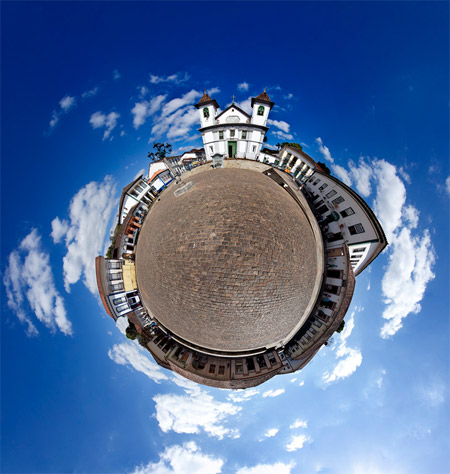
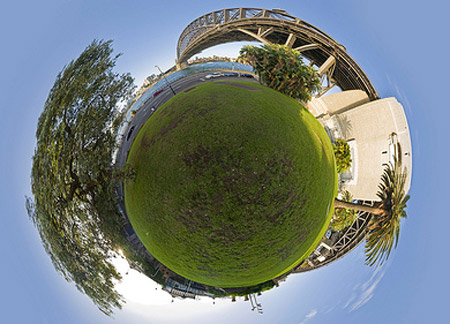
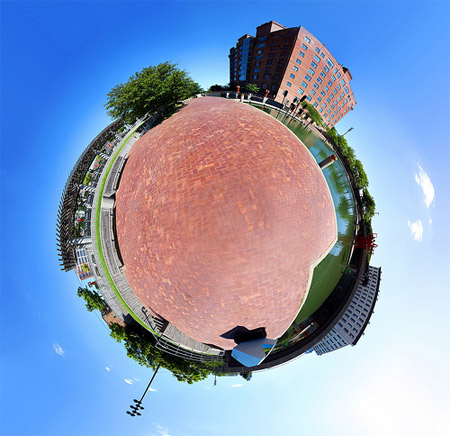
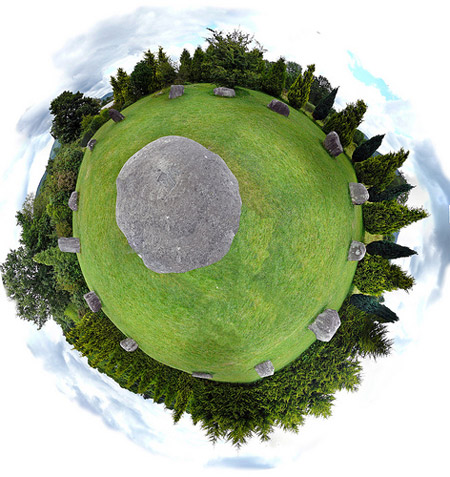
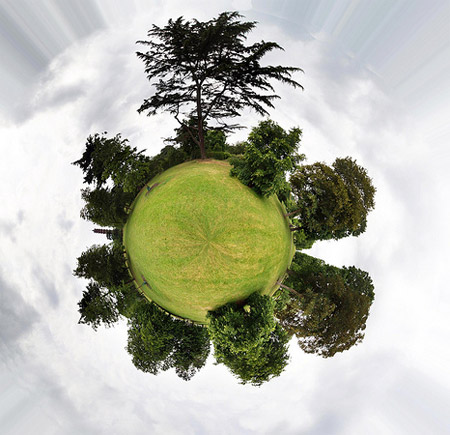
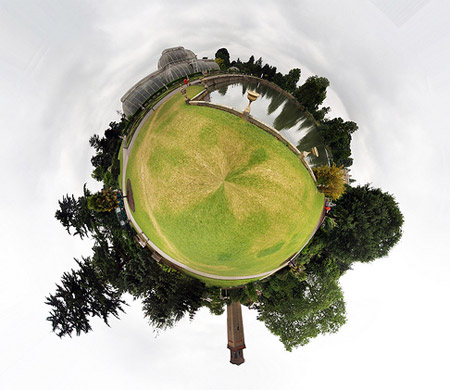
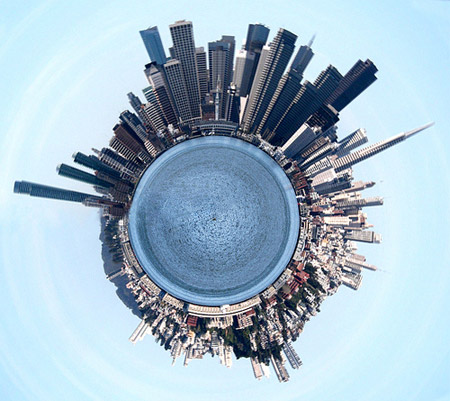
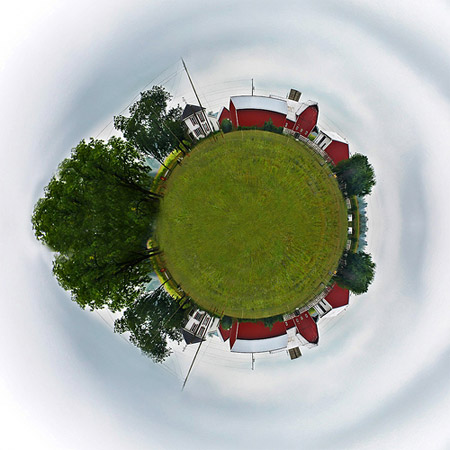
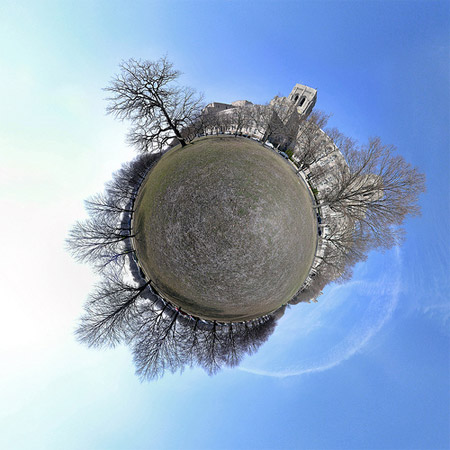
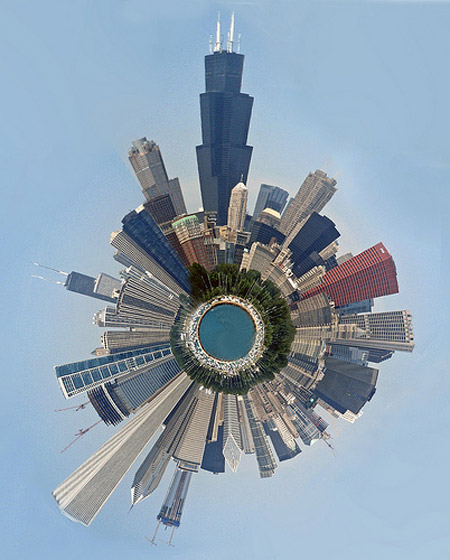
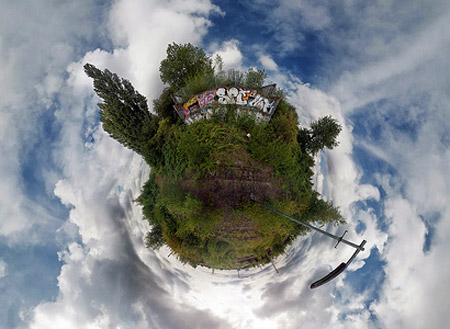
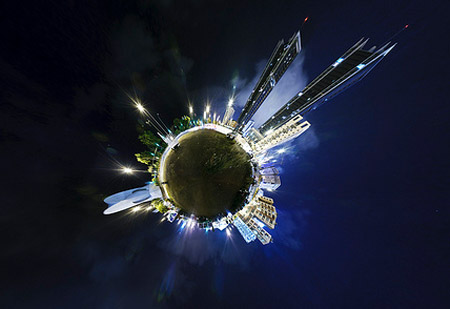
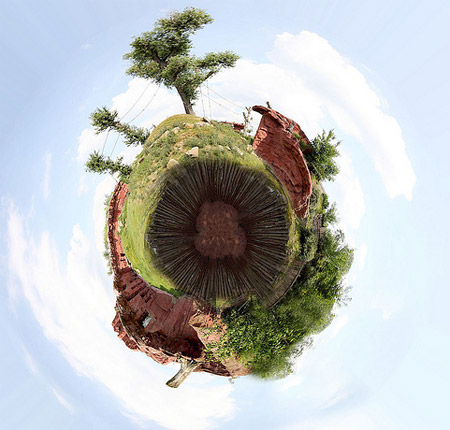
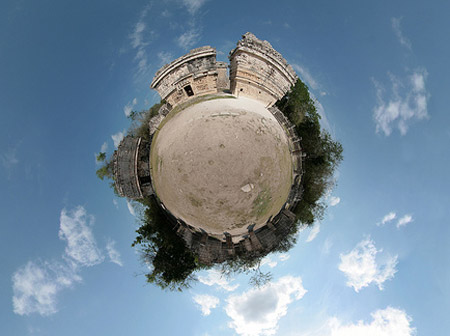
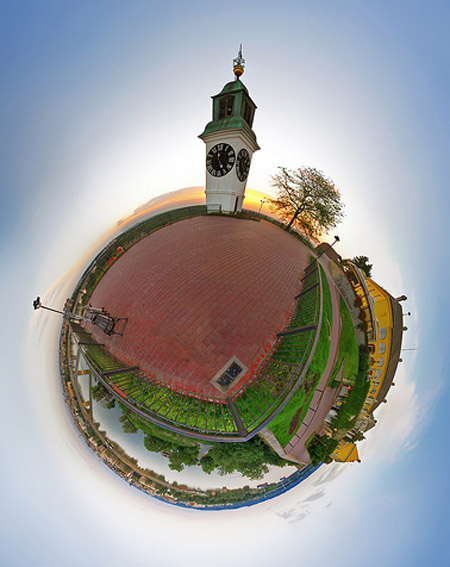
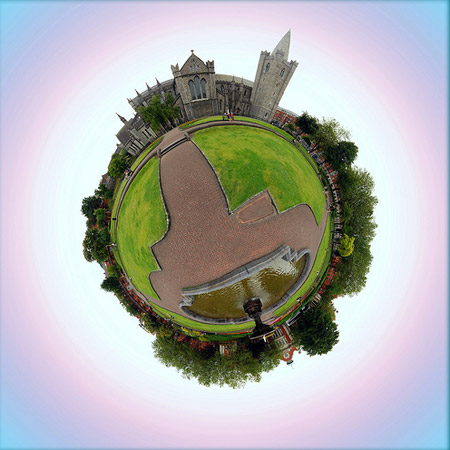
Below is a compilation of 40+ Really Cool Panorama Photos in Stereographic projection. You will be using Filter>Distort>Polar Coordinates in Photoshop to achieve this kind of effect. It also requires a good angle in a photo to get the best result. Check them out.
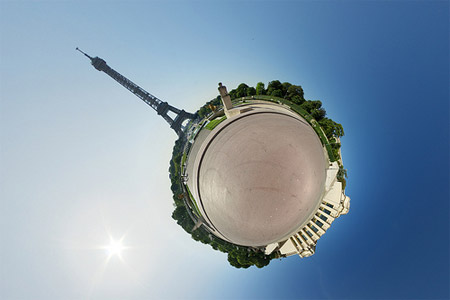
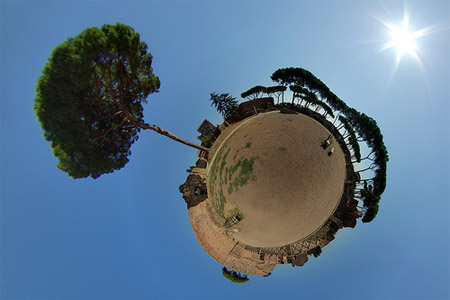
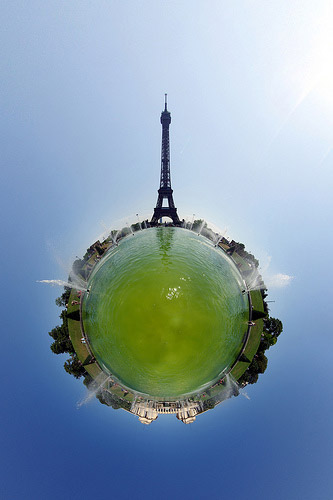
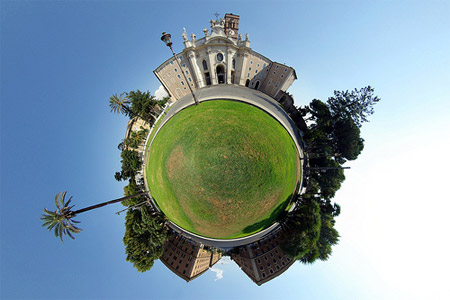
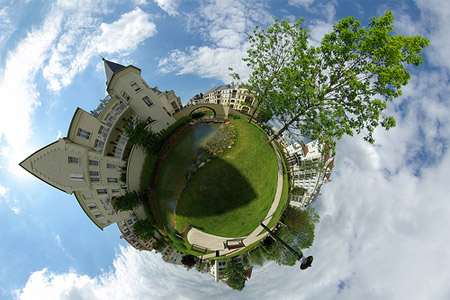
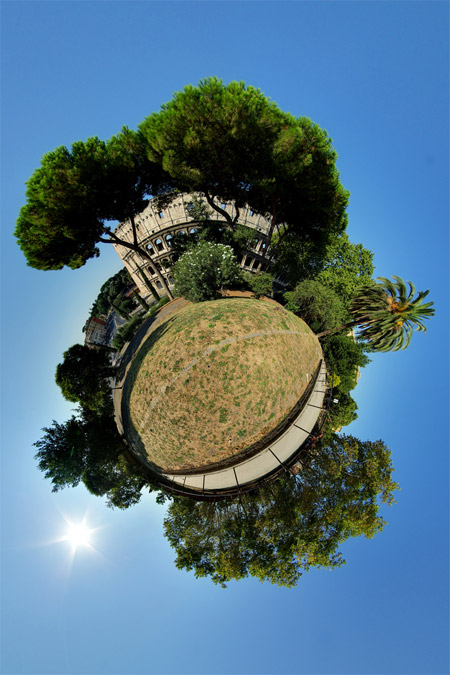
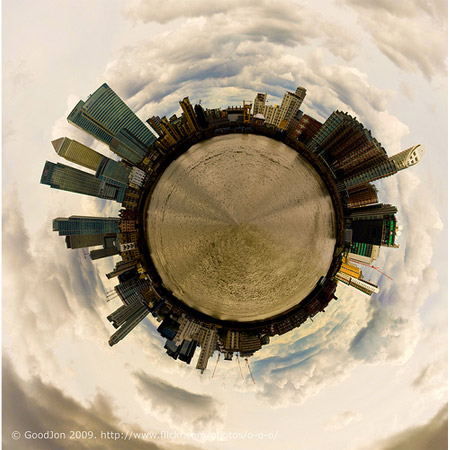
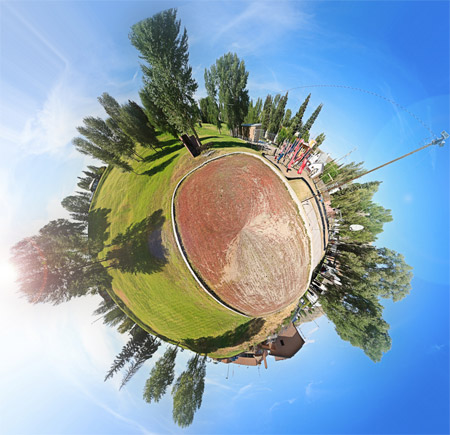
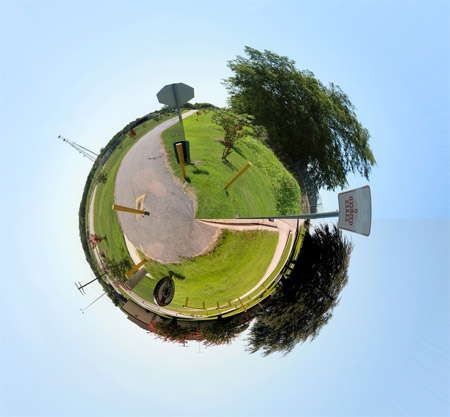
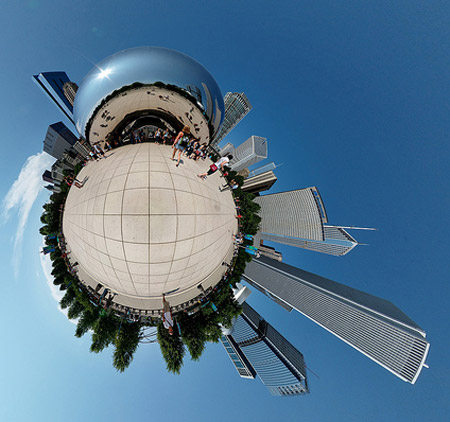
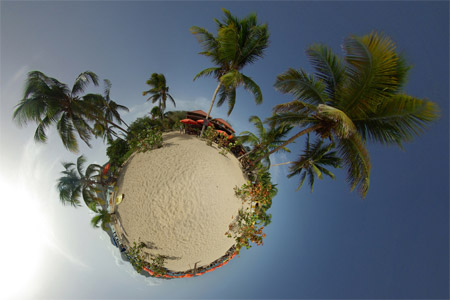
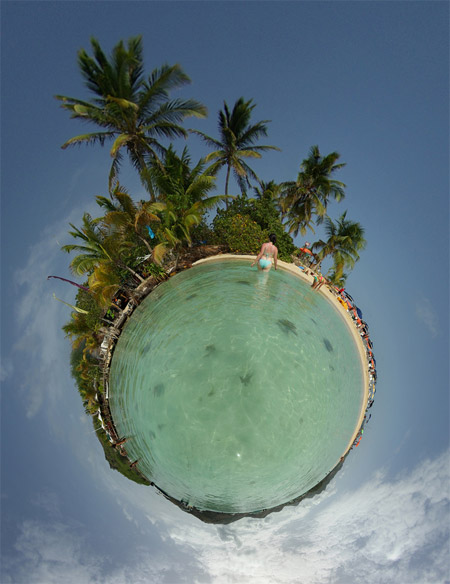
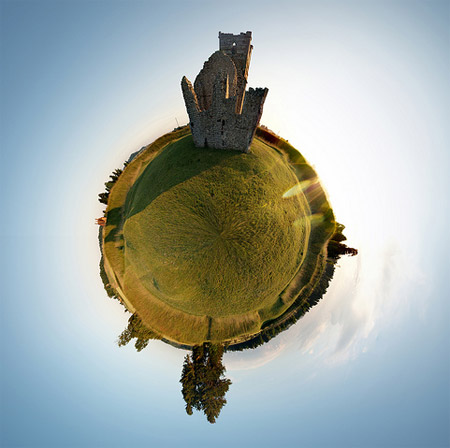
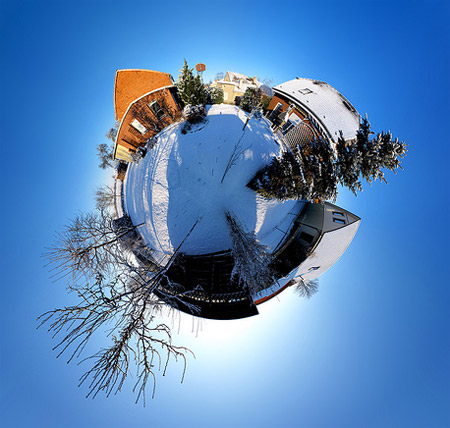
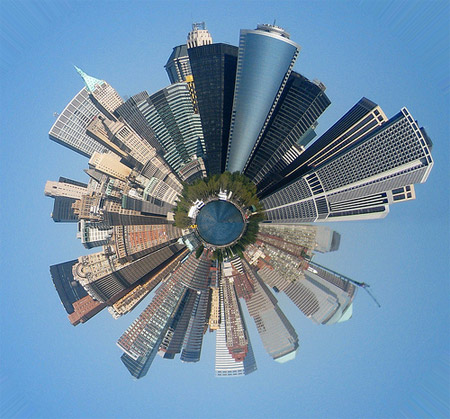
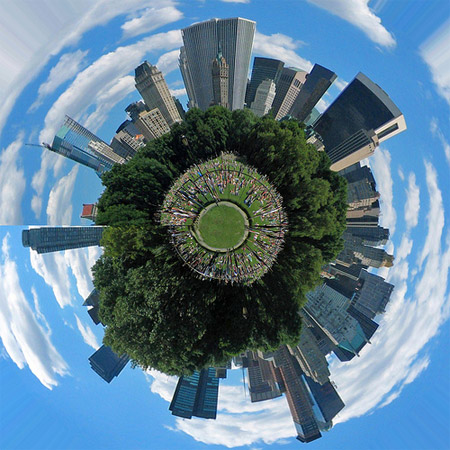
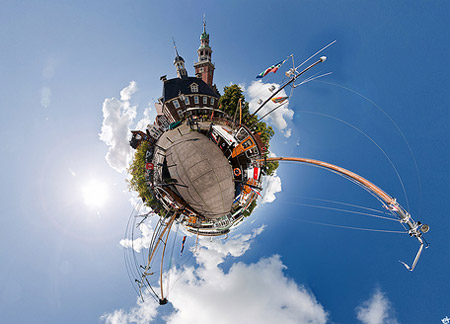
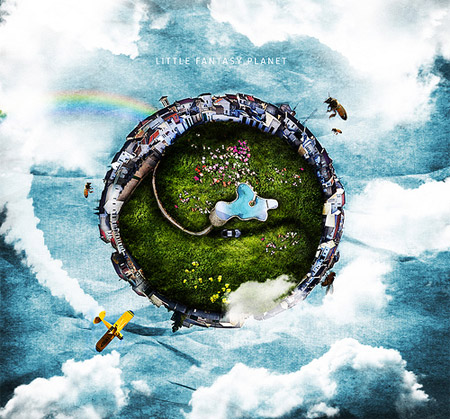
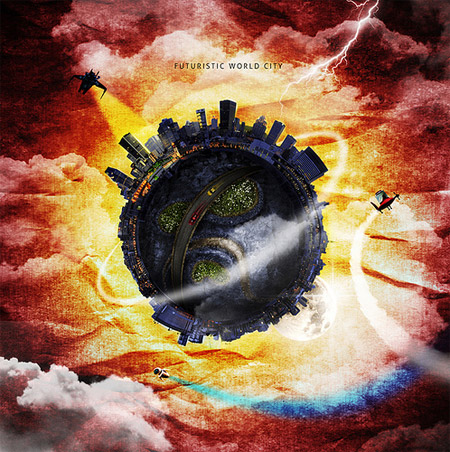
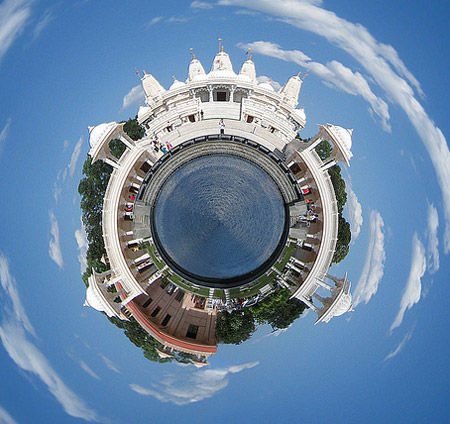
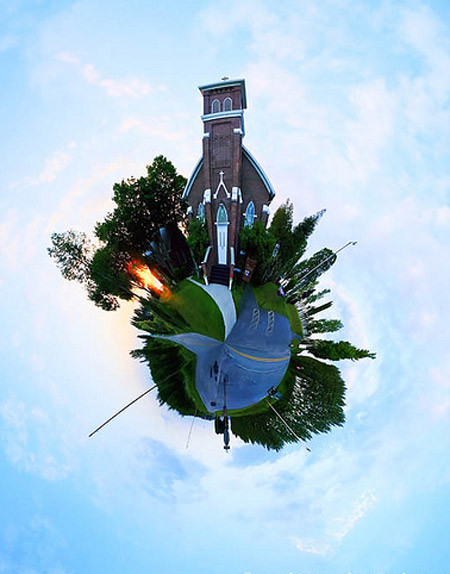
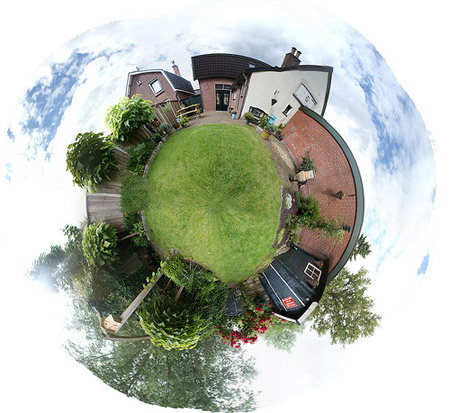
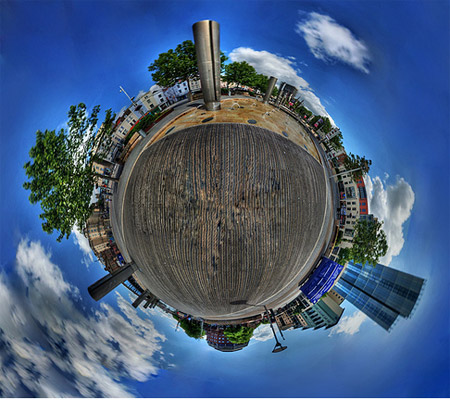
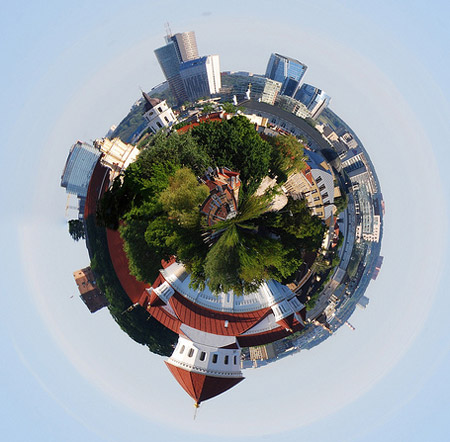
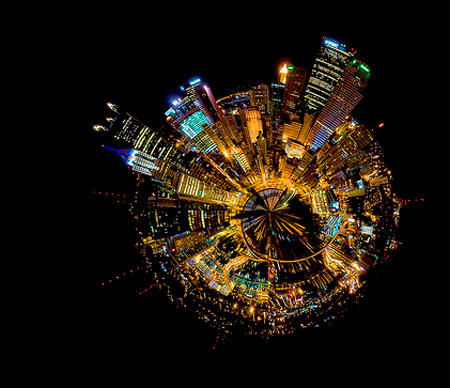
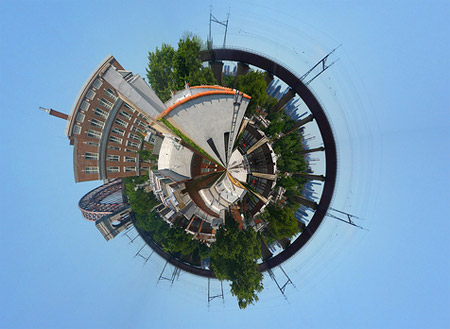
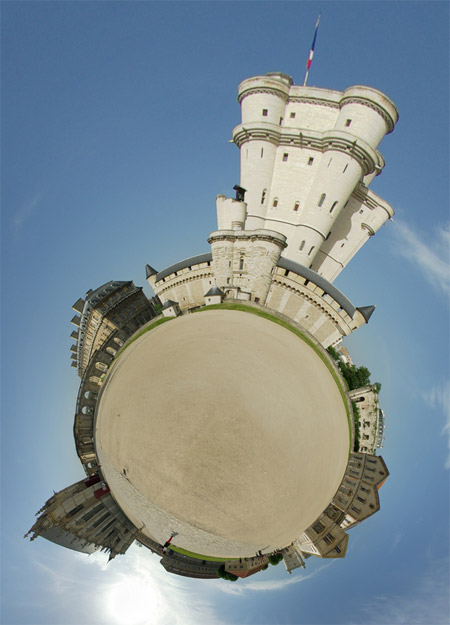





Pretty Good man, Pretty Good
[…] That’s kind of cool October 1st, 2009 | No Comments | Posted in Photography Hello there! If you are new here, you might want to subscribe to the RSS feed for updates on this topic.Powered by WP Greet BoxOne of my polar panoramic images was mentioned in a list of 40+ Really Cool Panorama Photos. […]
Beautiful images!
nice work
Holy crap.
Very interesting results!
I’ve used Polar Coordinates in graphic design before, but I never considered it’s application on a photograph… I may just have to start some of my own experiements now that I’ve seen this post!!
Great photos. I’m new here but i like your blog design very much. Can you tell me what theme are you using? Is it thesis?
i like your design very much. it’s promotion creative.
i really like your listed photos.
Nice collection!
excellent one
collection is cool.
These are not really panoramic shots! But great collection none-the-less. 🙂
Hank,yes because these photos was edited in Photoshop 🙂
Some of these look really great. I’ve seen some other panorama polar photos with people in which adds a great dimension to them. BTW some of the pictures listed seem to be missing in my browser? Might be worth an update.
What a neat. I had no inkling.
great worke .